An AI photo studio for the versions you haven’t tried yet. Refine a portrait, revisit an old memory or explore a different look—with one-time credits and no monthly commitment.
From $12 USD for 100 credits, plus applicable tax.
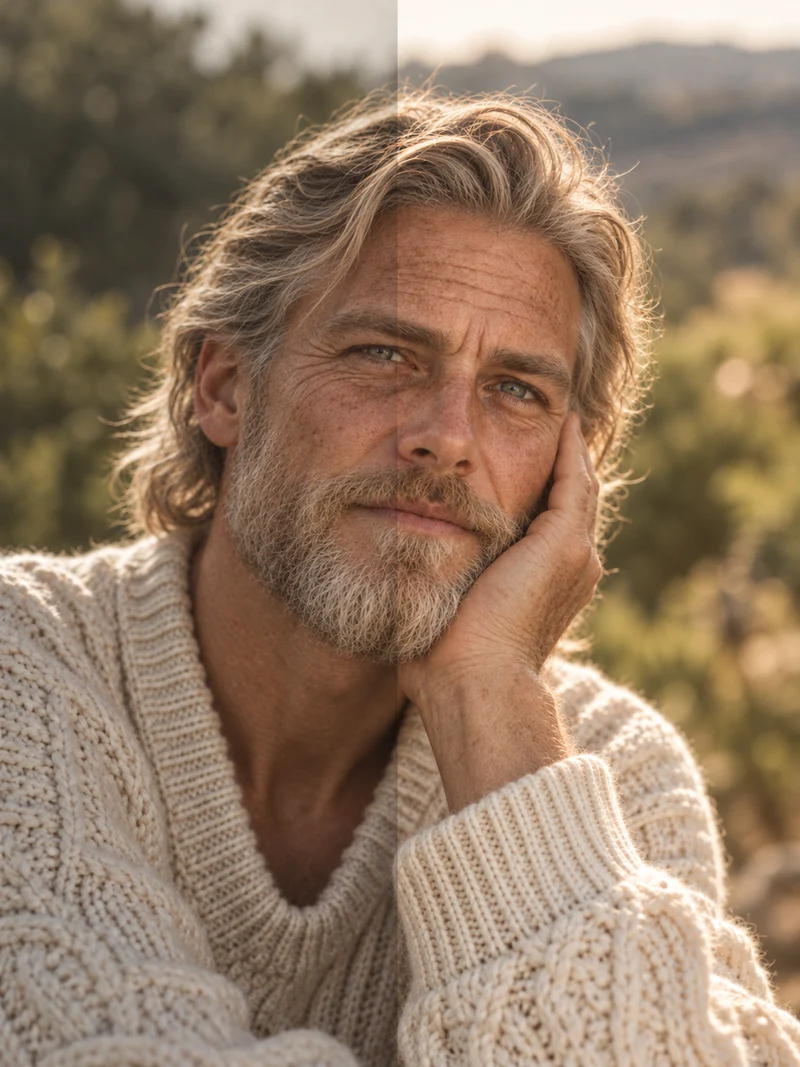
Light. Detail. A new direction.
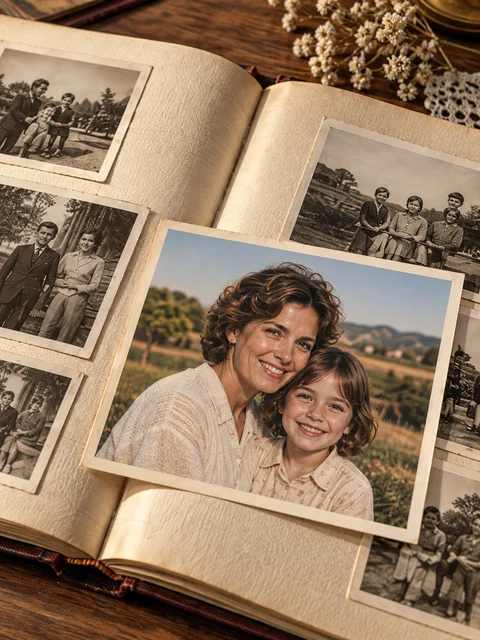
Memories, revisited.
Illustrative examples. Your results will vary.
One-time payment
No purchased-credit expiry
One balance for supported tools
Follow the idea
More than one way to make it yours.
You don’t need to plan a whole project before you begin. Start with a photograph, make a focused change and see where it takes you.
01
A portrait, reconsidered
Try a cleaner background, describe a change in light or adjust a detail. Compare the original with each result and refine the version that feels right.
Try: “Replace the busy background with a warm, plain wall.”
Preview a hairstyle, colour or outfit direction using your own portrait. Make room for a second idea before choosing the inspiration you want to take further.
Try: “Explore a shoulder-length bob with a soft fringe.”
Buy the amount that fits your project, then use it at your own pace. Purchased credits sit separately from free usage, and you choose when to turn them on.
A credit is a unit of usage, not a guaranteed finished photograph. Models, output sizes and multi-step workflows use different amounts, so leave room to refine your idea.
Standard-size OpenAI image generations, without extra analysis or chat
Quality
Credits each
Generations
Low
5
20
Medium
8
12
High / auto
15
6
Examples use the whole pack for image generation only; any unused credits remain. Larger outputs and additional workflow steps use more. Video is not included.
Choose your starting point
A little exploration. Or a bigger project.
All packs use the same supported tools. Choose the balance that suits the amount of creating you have in mind.
Prices exclude applicable tax, shown at Stripe checkout. Sign in, then choose a pack in Profile → Credits & billing. See usage rates and purchase details.
From pack to project
Three steps. Then your idea.
01
Choose a credit pack
Sign in and open Profile → Credits & billing. Pick the amount you want to spend and complete Stripe checkout.
02
Turn on purchased credits
Enable purchased-credit usage in your billing settings. You decide when the studio uses your paid balance.
03
Create at your own pace
Use credits across supported photo tools, analysis and AI chat. Your remaining purchased credits do not expire.
Rate limits and service safeguards still apply. A paid balance does not guarantee uninterrupted availability.
The details, in plain language
Before you choose.
A clear purchase should come with clear answers. For anything else, ask us.
What do I get when I buy a pack?
You receive the stated number of credits in your StyleHem account after payment is confirmed. Enable purchased-credit usage in Profile → Credits & billing to use that balance for supported photo generation, photo analysis and AI chat. This is prepaid usage, not a Pro membership or an unlimited plan.
How is this different from free usage?
Free usage depends on your account allowance and a shared service budget. Purchased credits provide a separate paid balance. Rate limits, availability and service safeguards still apply, and paid work can occasionally pause even when credits remain.
How many photos can I make?
It depends on the model, quality, output size and workflow. For example, 100 credits cover 12 standard-size OpenAI image generations at medium quality (8 credits each), with 4 credits left. Analysis, chat and additional generation steps use extra credits. A single album workflow can involve several operations, so a pack is not a fixed number of finished photos.
Is there a subscription or an expiry date?
No. These packs are one-time purchases, do not renew automatically and have no purchased-credit expiry. You can buy another pack if you want more credits. There is no monthly commitment.
Do credit packs include video?
No. Video generation is not included in these packs. The paid balance supports the eligible photo tools, photo analysis and AI chat described on the pricing page.
What happens if an image generation fails?
Failed image generation returns its purchased image-generation credits. Other completed steps, such as photo analysis, may still use credits. If a balance looks wrong or you need purchase or refund help, contact alex@diamondarm.com so we can review the transaction.
Can I choose what to keep?
Yes. Review and compare generated results before deciding which versions you want to use. AI can change faces, colours and fine details; it does not guarantee a particular outcome. Keep your original files separately and use only photographs and references you have permission to use.
Let the next idea take shape
A photo you have. A possibility you haven’t tried.